Freelance Invoice Excel – Free Template (2026)
7
Free download
UK expenses claim form with Claims, Summary, Lists and Instructions sheets for mileage, receipts, VAT and approval tracking.


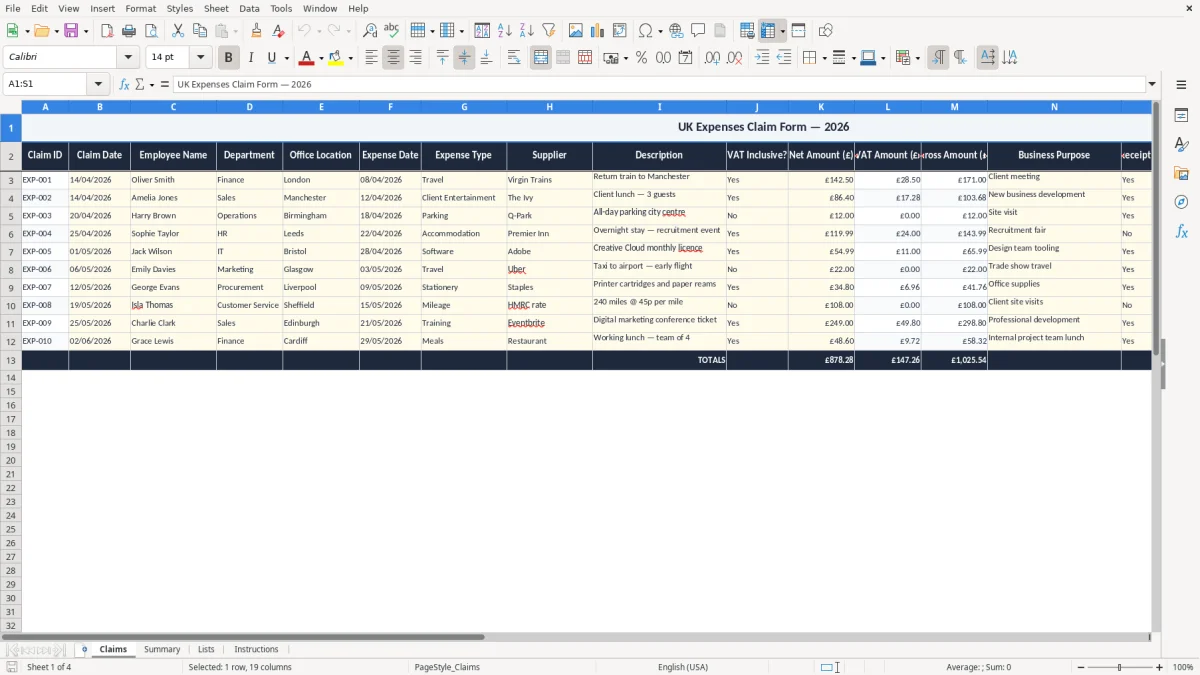
This Expenses Claim Form Excel template is for recording staff, contractor or volunteer expense claims in a clear UK format. It includes Claims, Summary, Lists and Instructions sheets, so you can log amounts, check mileage and VAT, and keep approval details in one workbook.
Use it when someone submits petrol, parking, rail, hotel or subsistence costs and you need a tidy record for reimbursement and bookkeeping. The layout is built for day-to-day use, with a form-style entry sheet and supporting lists to keep the figures consistent.
It suits a small company, charity or club that wants a simple paper trail before payment goes through. If you handle monthly claims, the workbook gives you a practical way to control cash flow and keep the supporting detail together.
The Claims sheet is for the person who has spent money on behalf of the business or organisation and wants paying back cleanly. In practice, that is often an office manager in a trades firm, a bookkeeper at a small Ltd, a charity treasurer or a self-employed assistant claiming back business travel.
Image 1 shows the Claims sheet set out like a paper form on screen, with the title across the top and a wide input area below it. Because the sheet is frozen at row 3, you can keep the header visible while you work through a batch of claims.
A builder with 4 employees might submit 12 mileage and parking claims after a week of site visits, while a club secretary may only process 6 claims at month end. The same workbook also works for a sole trader who has £186.40 of train fares, lunch and tolls to reclaim before the month-end bookkeeping run.
The point is speed without losing the audit trail. If you are approving 20 lines at £18.50 each, you need to see the claimant, the date and the reason in one place rather than chasing email attachments.
If the claim feeds into your accounts, you need supporting records that show what was spent, when, and why it was business-related. For HMRC purposes, companies keep records for 6 years, and the self-employed keep records for 5 years after the 31 January Self Assessment deadline that follows the tax year.
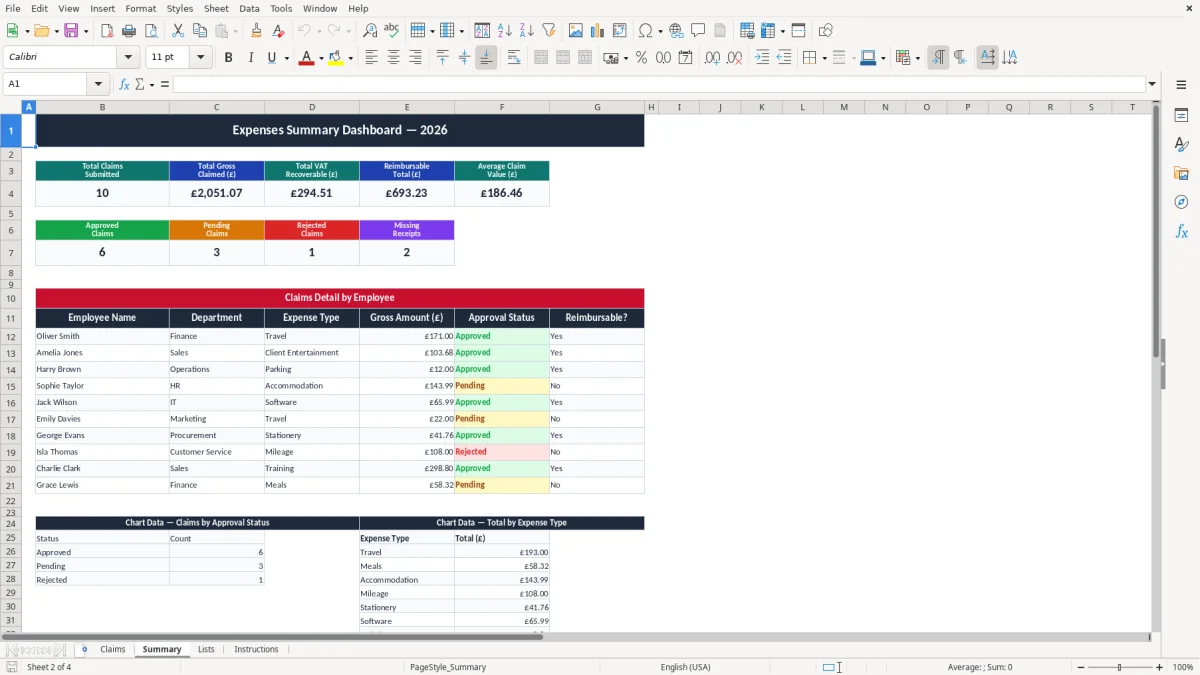
Image 2 is the Summary sheet, which is where the totals are pulled together for review. That is useful when you need to see £1,248.60 of claims for March or check whether mileage and receipts have been separated properly before posting.
If you pay mileage, the standard approved rate is 45p per mile for the first 10,000 miles and 25p per mile after that. So 180 business miles would normally be £81.00 at the main rate, while a £64.00 hotel bill may carry VAT at 20% if the supplier charged it and you are entitled to reclaim it.
The workbook is most useful when the claim includes the date, supplier or journey, the amount paid, and whether a receipt exists. If you are VAT-registered and reclaiming tax, you need the VAT amount shown separately on the receipt or invoice, not just one combined total.
Those VAT details are easiest to confirm when the supplier’s bill is tracked alongside the claim in an invoice record.
The usual problem is not the total, it is the missing detail. A claim for £214.75 with no receipt, no mileage breakdown and no business reason can leave you paying twice, rejecting the claim, or spending 20 minutes reconstructing the evidence from email and bank statements.
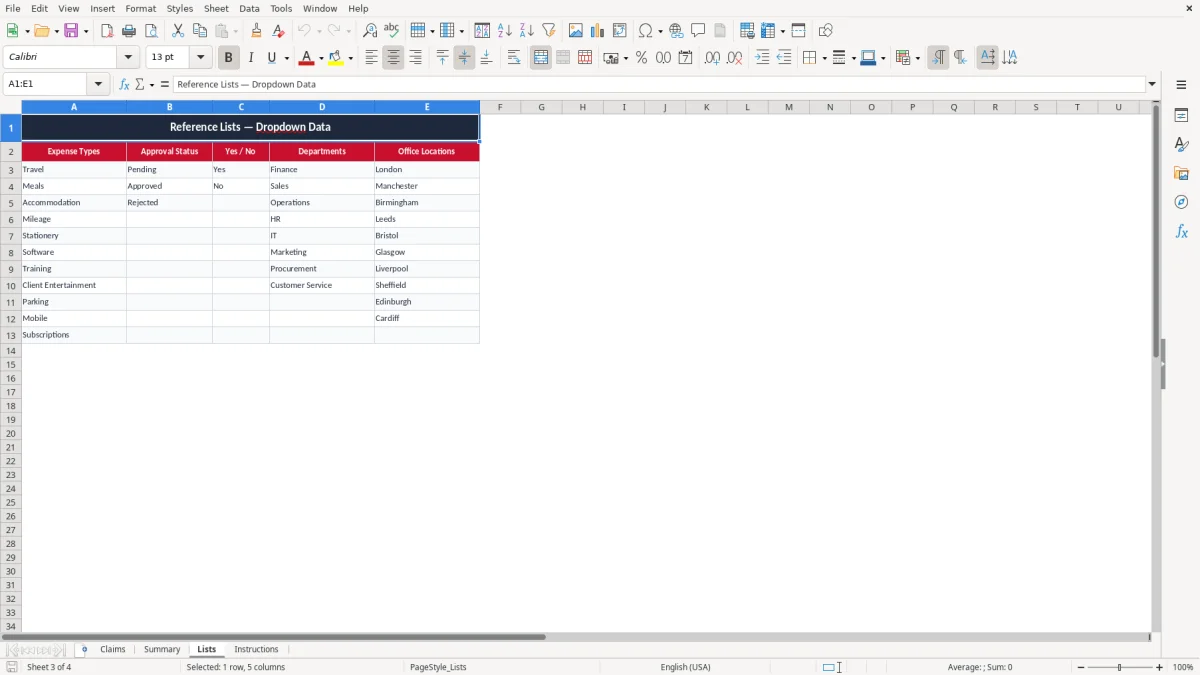
Image 3 shows the Lists sheet, which helps reduce entry mistakes by keeping the choices fixed. That matters because a typo in a category can split what should be one total into two, and a small business doing 30 claims a month will feel that quickly at month end.
A mileage claim without the start and end points may be challenged, especially if someone has submitted 420 miles in a week and the journey pattern looks odd. A VAT reclaim on a receipt that does not show VAT separately can also be lost, which is frustrating when the claim total is only £37.80 but the bookkeeping work has already been done.
The real cost is usually time and cash flow. If 8 claims are held back for clarification, and each one takes 10 minutes to fix, you have lost well over an hour before the payment run even starts.
That kind of delay quickly feeds into bookkeeping records, where each missing detail has to be chased before the payment run can move on.
The workbook works best when you tie it to a fixed routine. Most small firms do better if claims are checked once a week, or on the same day as payroll or supplier payments, rather than letting receipts pile up for a month.
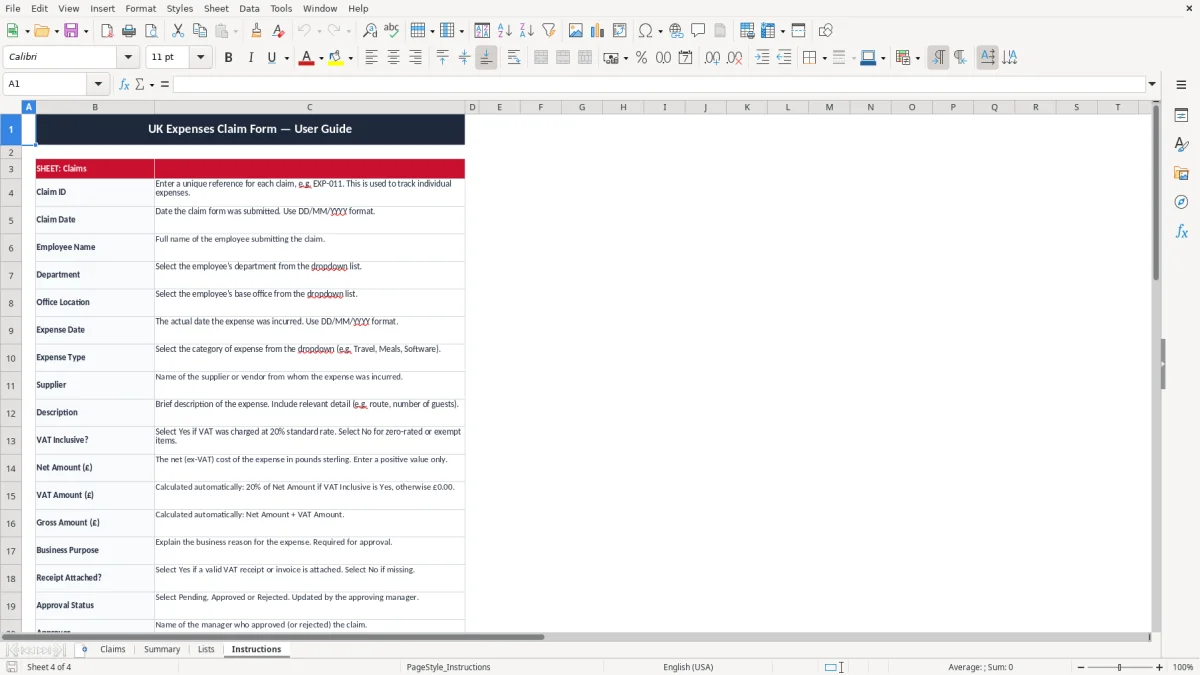
Image 4 is the Instructions sheet, which gives you the simple operating notes. That is the part to hand to new staff so they know how to enter claims in the same way every time.
Once you are dealing with several hundred claims a month, or needing workflow approval and live attachments, you have outgrown a spreadsheet and should move to an expense system. For a small team with 5 to 20 claimants, though, this workbook is usually the simplest way to keep control.
It is used to record money spent on behalf of a business, club or charity so you can approve and repay it properly. It gives you one place for dates, amounts, mileage and support notes.
Yes. Mileage claims are one of the main uses, especially when you need to track journeys, rates and totals before reimbursement.
Keep the date, amount, reason for the expense and the receipt or mileage detail. If you are VAT-registered, keep the VAT element shown separately where applicable.
Companies should keep records for 6 years. If you are self-employed, keep them for 5 years after the 31 January Self Assessment deadline for that tax year.
Yes. It is suitable for a charity, sports club or volunteer-led group that needs a simple claim trail without a full expense package.
Move on when the number of claims, approvals or attachments becomes too much to check manually. If you need automated policy checks or live integration with payroll and accounts, a dedicated system is the better fit.
Excel template by
Guide written by